
How to Use the FinSmart Mock Simulation (Step by Step)

Before You Start

FinSmart is a learning simulation, not a trading platform.

  • The charts are live-style, but the data is mock / simulated (not real market prices).

  • Any “trades” you place are practice-only (no real money, no profit, no loss).

  • The goal is to help you understand how trading works — not to tell you what to buy.

Step 1 — Create Your Account

  1. Click Sign Up

  2. Enter your email + create a password

  3. Verify your email (if prompted)

  4. Log in to your dashboard

What you get: a personal space to track your watchlist, practice trades, and see your simulated results.
Step 2 — Enter the Dashboard

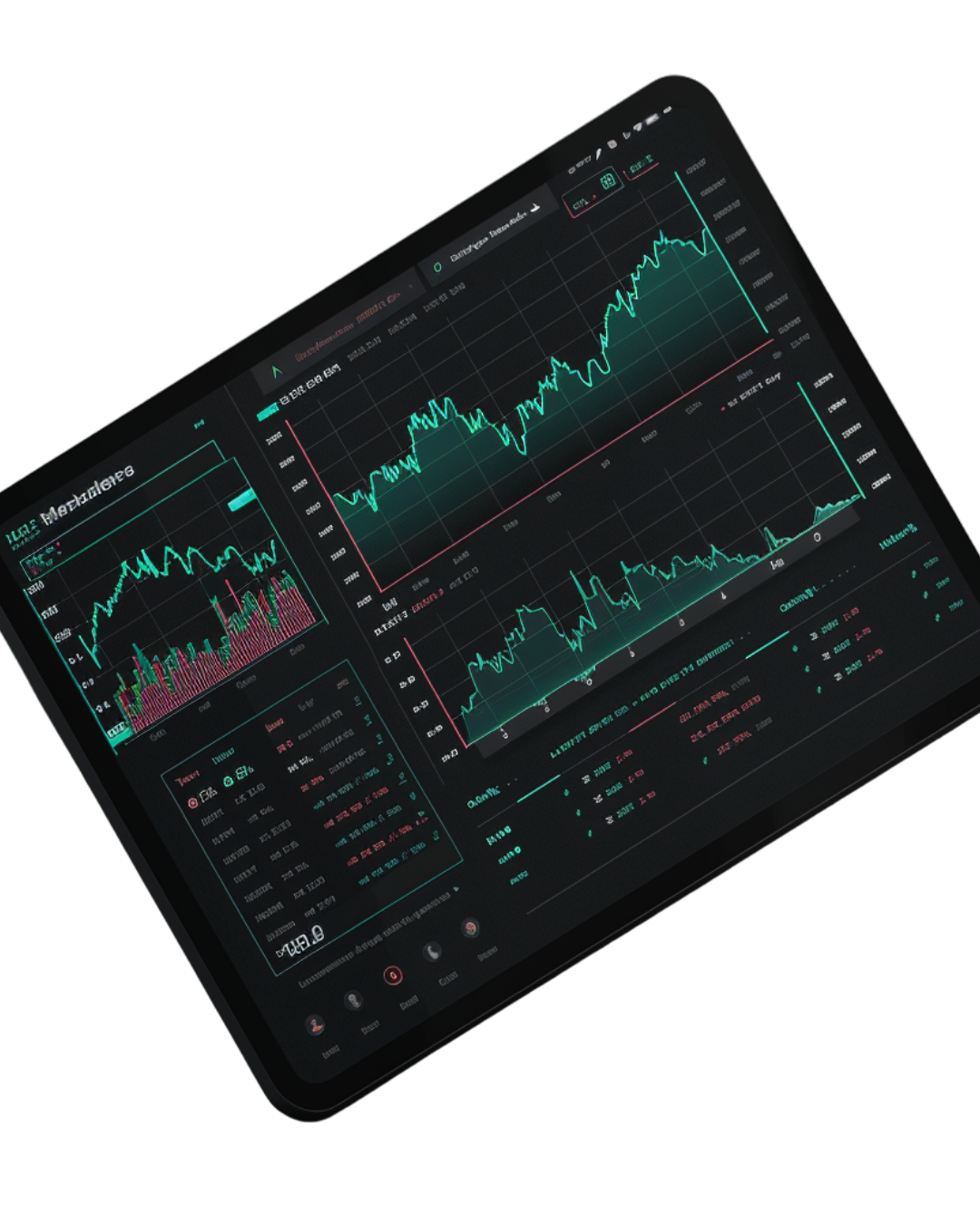
After logging in, you’ll land on your Dashboard.

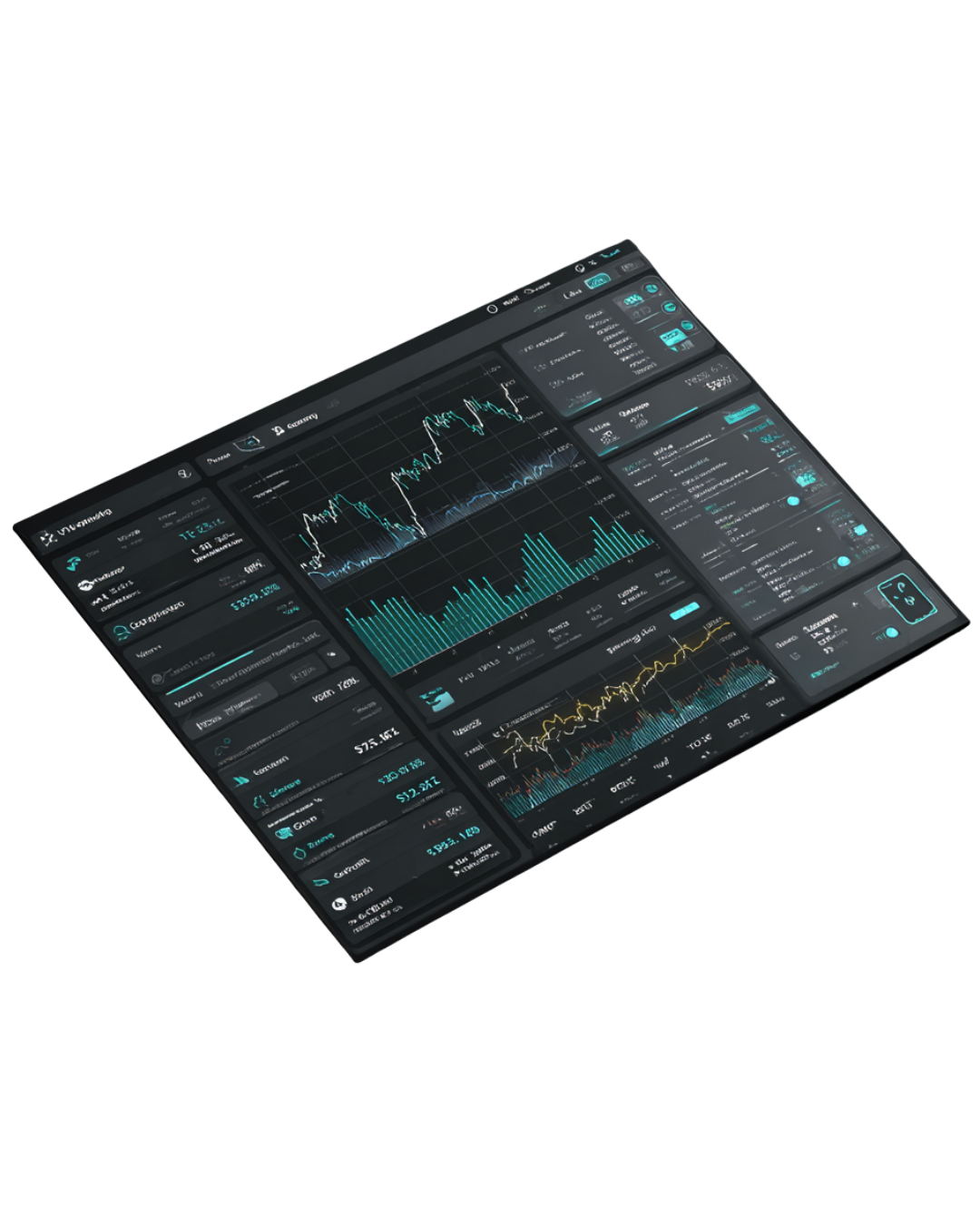
Here’s what you’ll typically see:

  • Market Overview (simple snapshot of what’s “moving”)

  • Watchlist (assets you’re observing)

  • Charts (live-style price movement)

  • Simulation Wallet (your practice balance)

  • Trade Panel (where you place a simulated trade)
Step 3 — Add Assets to Your Watchlist

A watchlist is where you “follow” assets to observe their movement over time.

  1. Go to Watchlist

  2. Click Add Asset

  3. Choose the asset you want to track (example: BTC, ETH, or mock stocks)

  4. Save

Tip: Start with 3–5 assets only. The point is to learn, not overwhelm yourself.
Step 4 — Read the Simple Market Notes

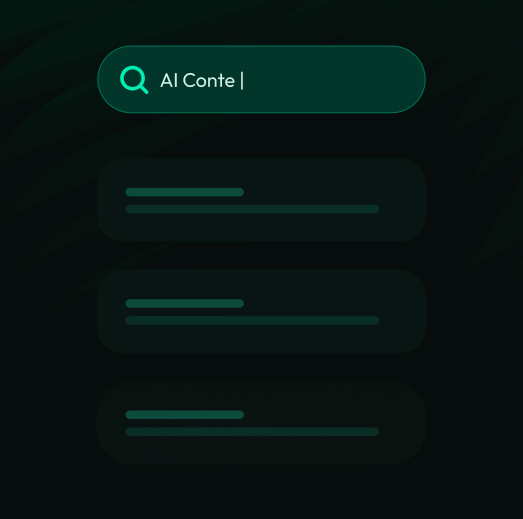
FinSmart includes short explanations that tell you what you’re seeing in plain language.

  1. Click an asset from your watchlist

  2. Look for Market Notes or Explanation

  3. Read the short summary (example: trend direction, volatility, major movement)

This helps you connect the chart to meaning — not just numbers.

Step 5 — Explore the Chart (Don’t Rush This)

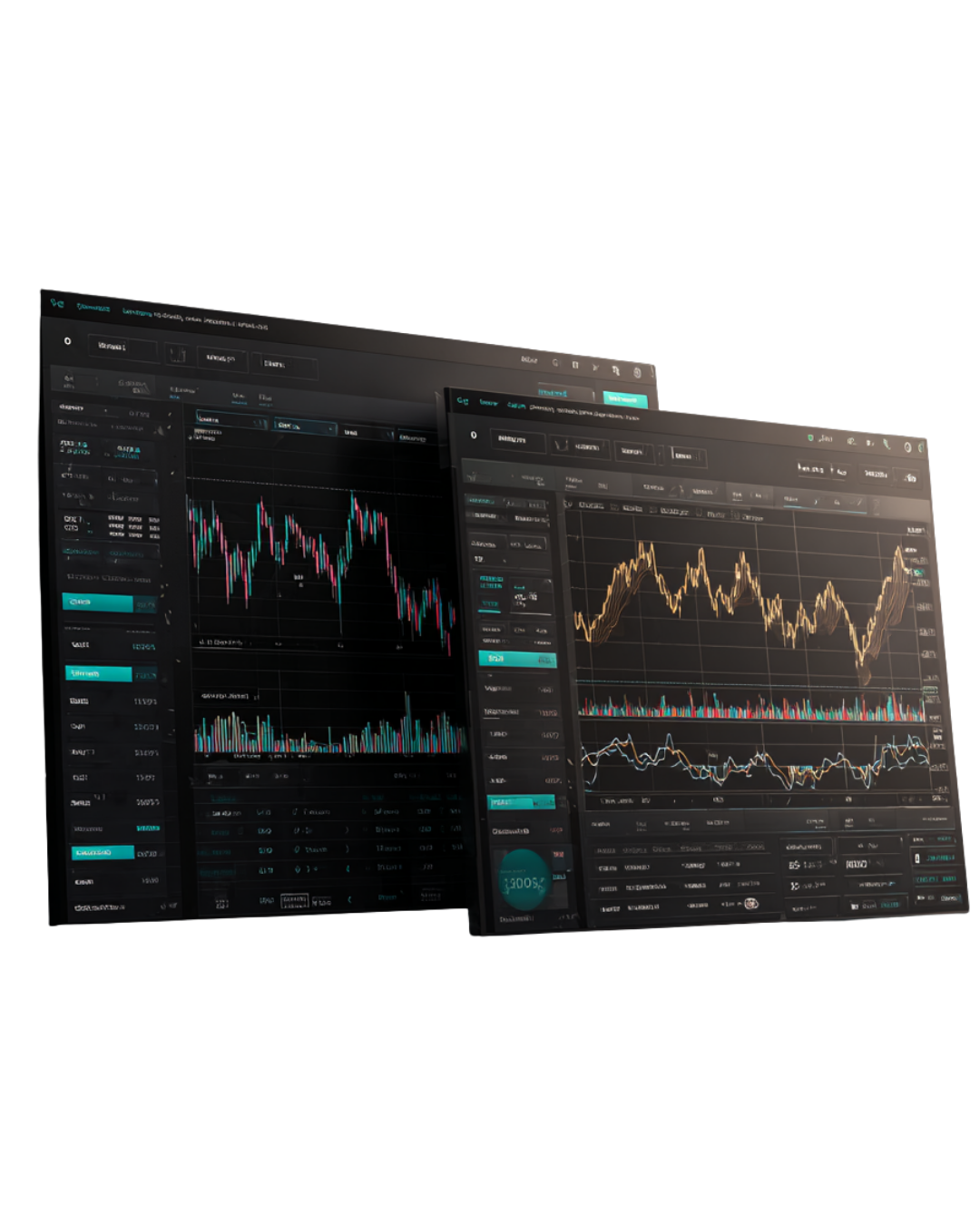
Charts are where most beginners get intimidated — FinSmart is built to make it easier.

On the chart page, you can:

  • Switch timeframes (1H / 1D / 1W)

  • View price movement

  • See basic indicators (if included in the mock-up)

Beginner rule: Don’t try to predict. Just observe.
Ask: What changed? When did it change? How fast?
Step 6 — Place a Simulated Trade

This is where you practice decision-making without risk.

  1. Click Trade (or open the trade panel)

  2. Choose:

    • Buy or Sell

    • Amount (how much of your simulation balance)

  3. Review the trade summary

  4. Click Place Simulated Trade

Important: This does not connect to real markets. This is practice only.
Step 7 — Track Your Open Positions

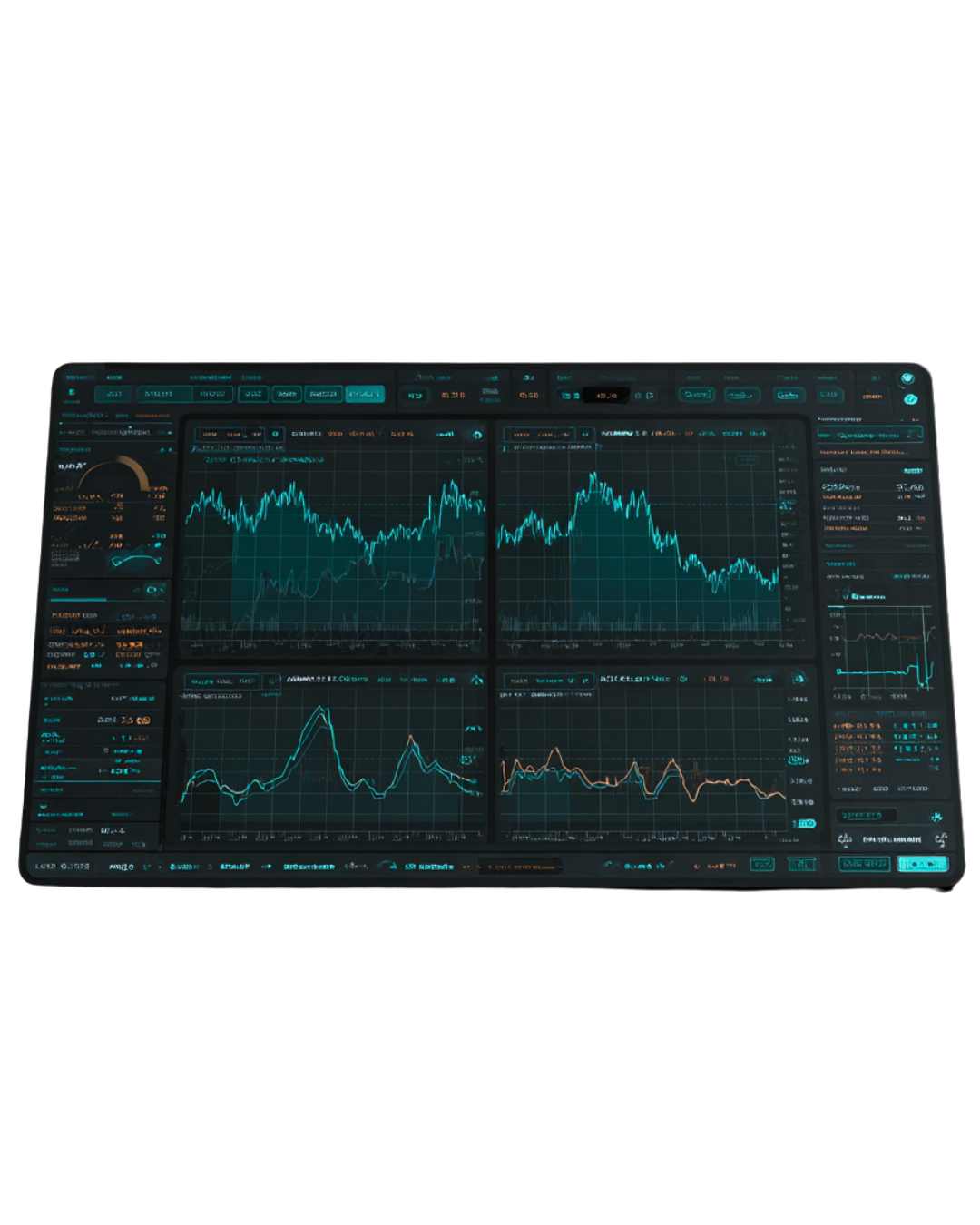
After you place a simulated trade, you’ll see it under Positions.

Here you can view:

  • Entry price (mock)

  • Current price (mock)

  • Simulated profit/loss (practice result only)

  • Time opened

Learning tip: Instead of focusing on “winning,” focus on:

  • Why did you enter?

  • What did you expect?

  • What actually happened?

Step 8 — Close the Trade and Reflect

When you close a trade, you complete the practice loop.

  1. Go to Positions

  2. Select the position

  3. Click Close

  4. Confirm

Then take 30 seconds to reflect:

  • What was your reason for entering?

  • What did you learn from the chart movement?

  • What would you do differently next time?

This reflection is the real value — not the result.

Step 9 — Ask Questions in the Assistant

If you see something confusing, use the assistant.

Examples of questions you can ask:

  • “What does volatility mean?”

  • “Why did the price move so fast?”

  • “What’s the difference between investing and trading?”

  • “What does a trend mean?”

The assistant is built to answer in a way that feels safe and non-intimidating.

What This Mock-Up Is Proving

This mock version is here to show what FinSmart is trying to become:
A place where young people can:

• learn financial concepts early
• practice without pressure
• build confidence through observation + reflection
• understand risk before touching real money

The Curious Beginner

This is for someone who hears words like stocks, crypto, or markets and feels curious — but also confused. They want to understand how things work before risking anything. The simulation gives them a safe way to observe, explore, and ask questions without feeling rushed or judged.

The Overwhelmed Learner

This learner feels intimidated by charts, numbers, and financial language. Most platforms feel too advanced or aggressive. FinSmart helps them slow down, focus on the basics, and learn step by step — without pressure to perform or “get it right.”

The Future Planner

This person knows that money decisions will matter in the future and wants to be prepared early. They’re not trying to make money now — they’re trying to build understanding and confidence. The simulation helps them connect concepts like risk, timing, and long-term thinking before real stakes exist.

The Supported Learner

This learner is capable and motivated but may not have access to financial education, guidance, or tools. The mock simulation gives them exposure, practice, and understanding they might not otherwise receive — helping level the playing field before adulthood.

FAQ

Your Questions Answered

Is FinSmart a real trading platform?

No. FinSmart is a learning simulation, not a real trading platform. There is no real money involved, and no trades connect to live markets. Everything is designed for practice, observation, and learning only.

Are the prices and charts real?

The charts are live-style, but the data is simulated. They are meant to show how market movement can look and behave, not to reflect real-time or accurate market prices.

Can I make or lose real money here?

No. You cannot make or lose real money on FinSmart. All balances, trades, and results exist only inside the simulation so users can learn without financial risk.

Do I need any financial knowledge to use this?

Not at all. FinSmart is built specifically for beginners. If you’re curious but unsure where to start, you’re exactly who this project is for.

Is this financial advice?

No. FinSmart does not give financial advice or recommendations. The purpose is to help users understand concepts, ask better questions, and think more clearly about money before making real-world decisions.

Reminder:

FinSmart

is for

Learning. Not Predictions
Not Financial Advise.
Not real trading.

If you’re here, you’re already doing the right thing: starting early.

Scroll to Top